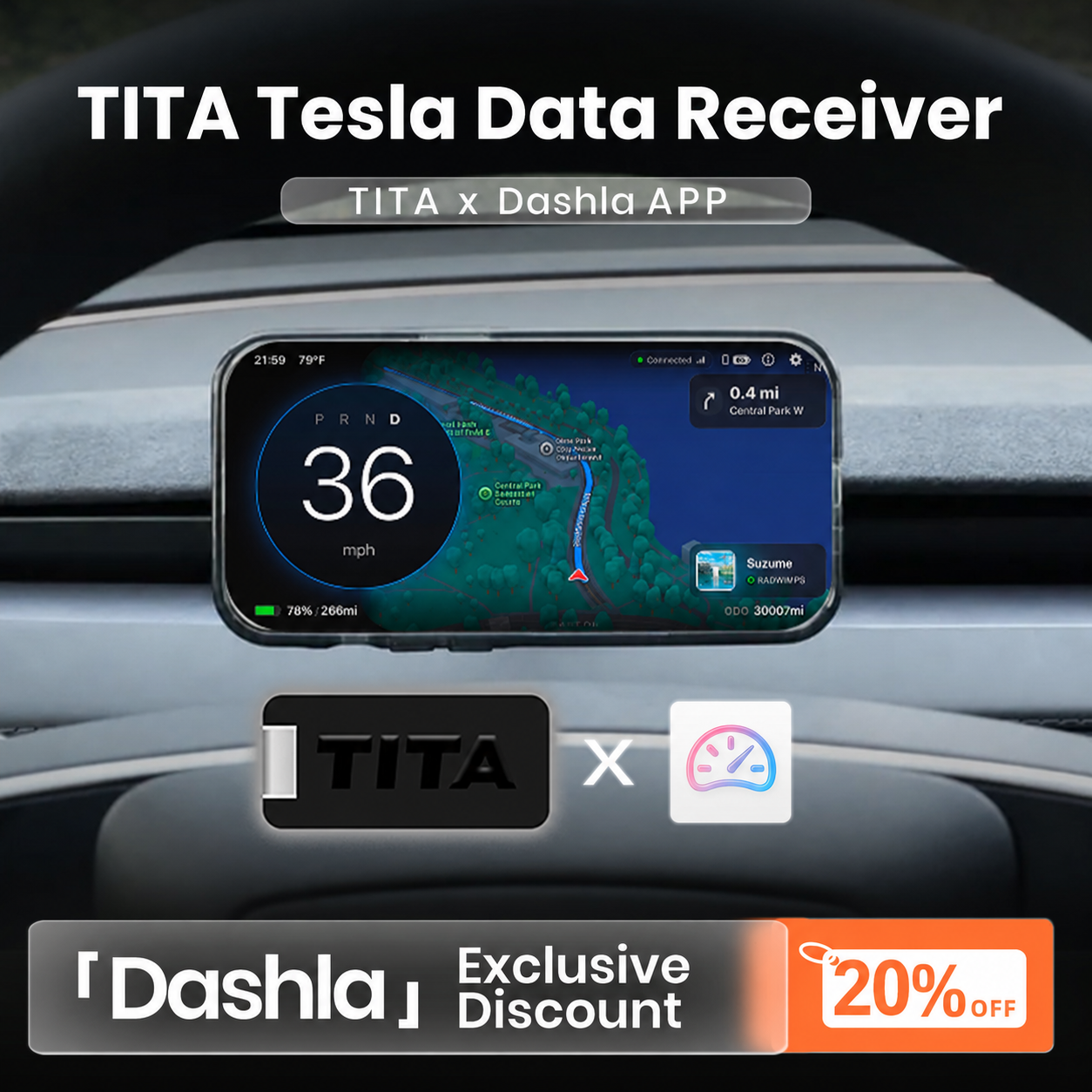
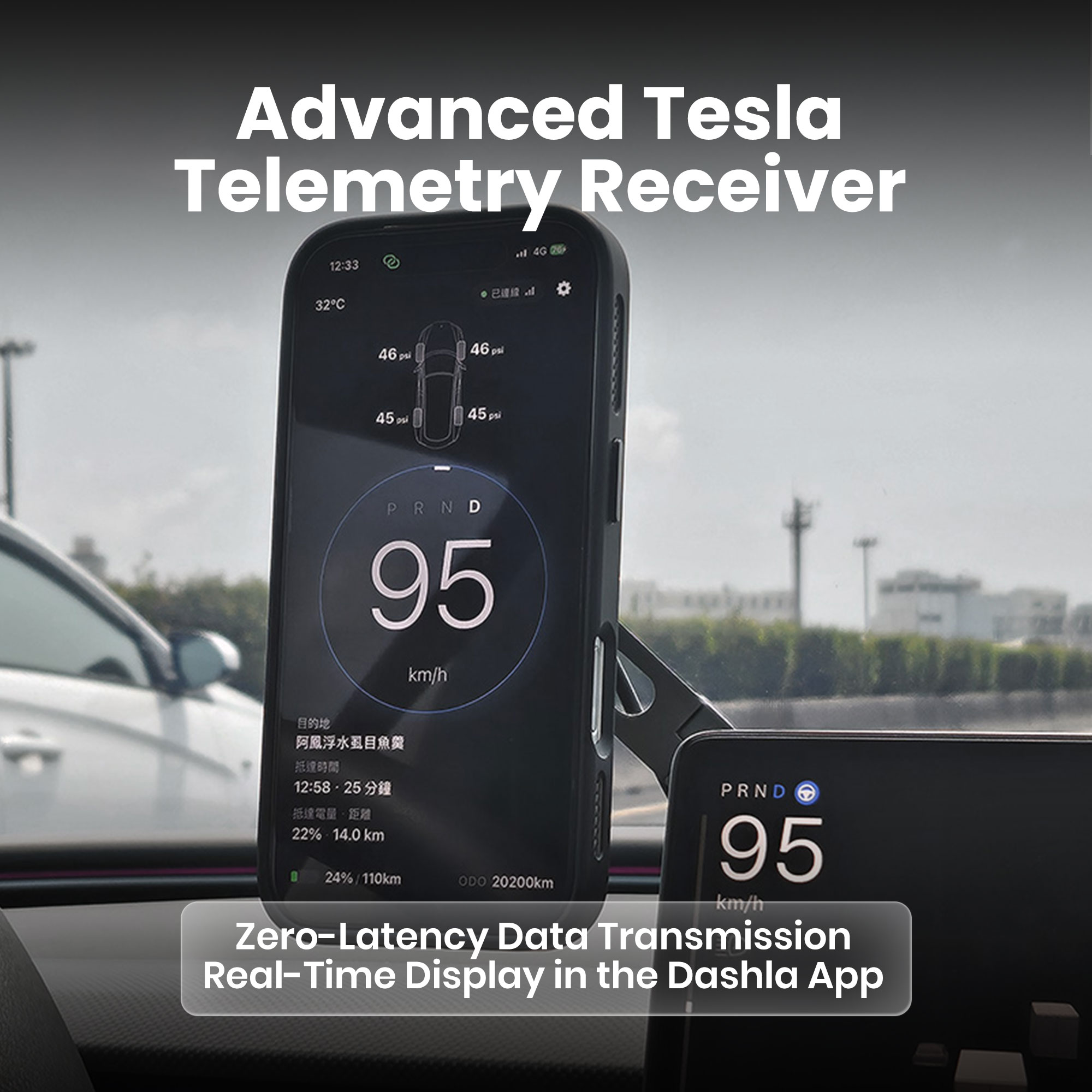

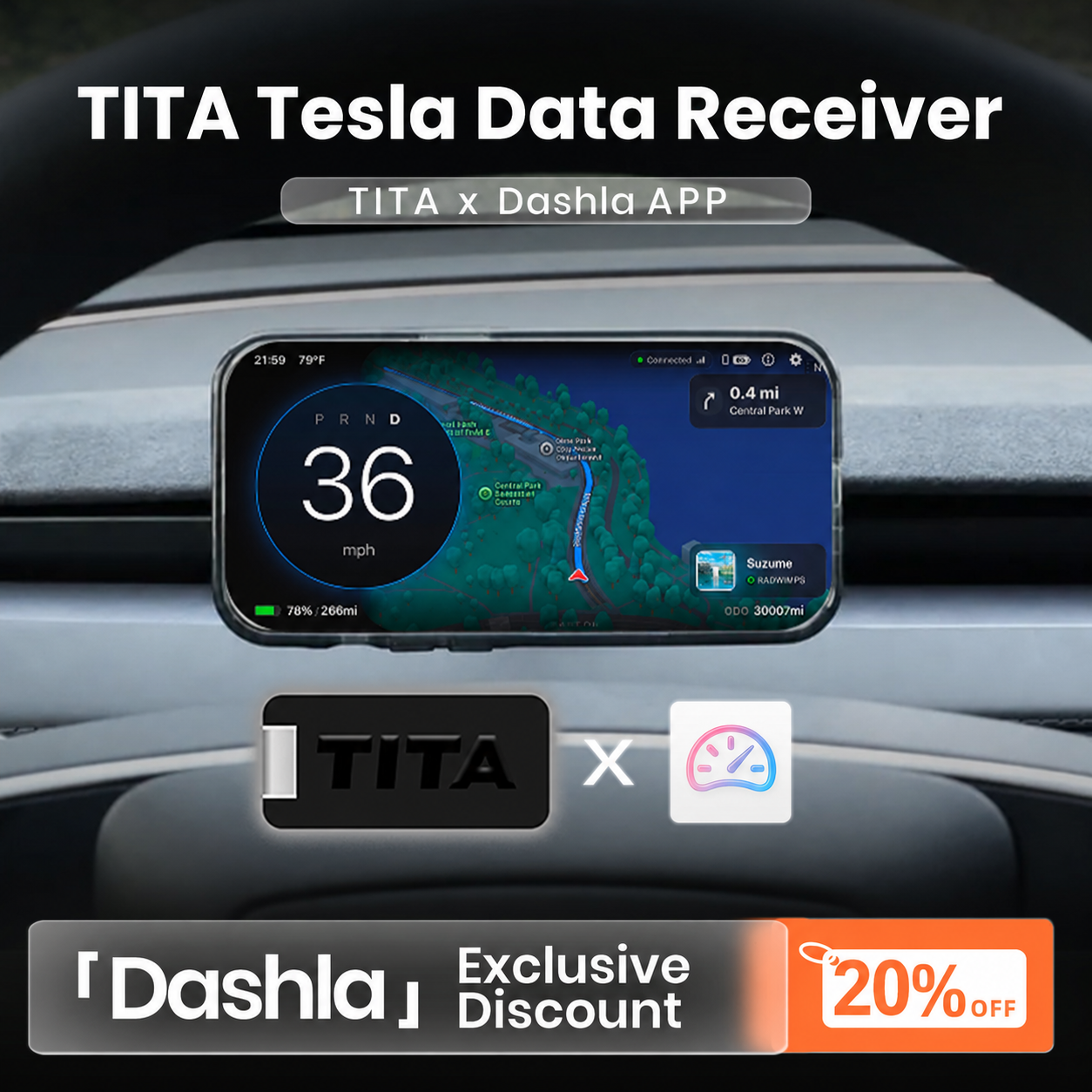
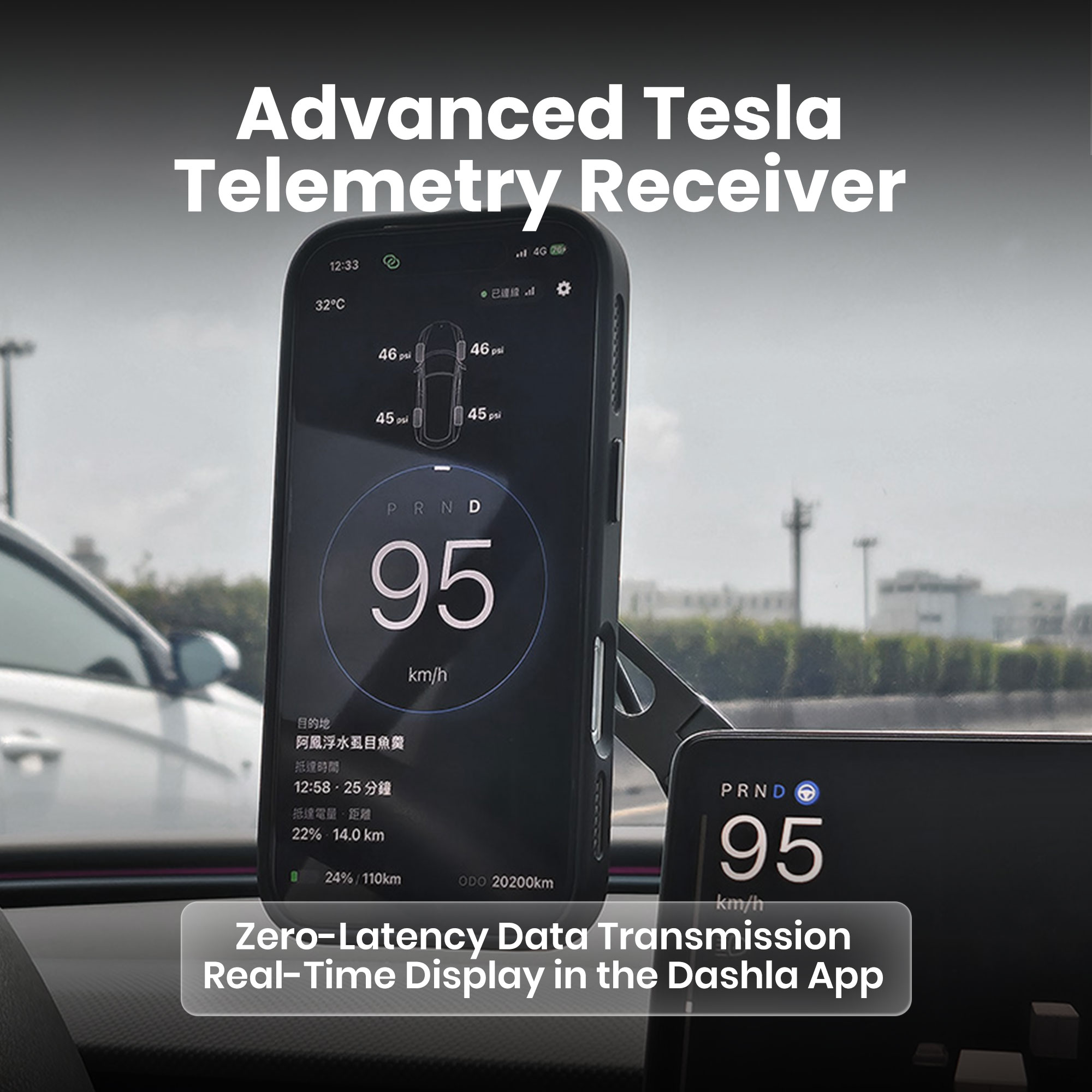

TITA Tesla Data Receiver for Dashla App – Ultra-Low Latency Vehicle Signal Transmission, Real-Time Speed, Navigation, Traffic Light & Vehicle Status Data, One-Way Data Transmission
Instantly access and transmit key Tesla vehicle data including speed, battery status, Autopilot state, door status, and cabin information with ultra-low latency performance for a smarter driving experience.
Designed for HUDs, Displays & Dashla
Seamlessly connects Tesla vehicle data to compatible HUD systems, smart displays, and mobile applications, creating an intelligent real-time driving information ecosystem.
Plug-and-Play Installation
Easy installation with no coding, complicated setup, or permanent vehicle modification required. Quickly integrate the transmitter into your Tesla and start using advanced vehicle data features within minutes.
Stable & Secure Data Communication
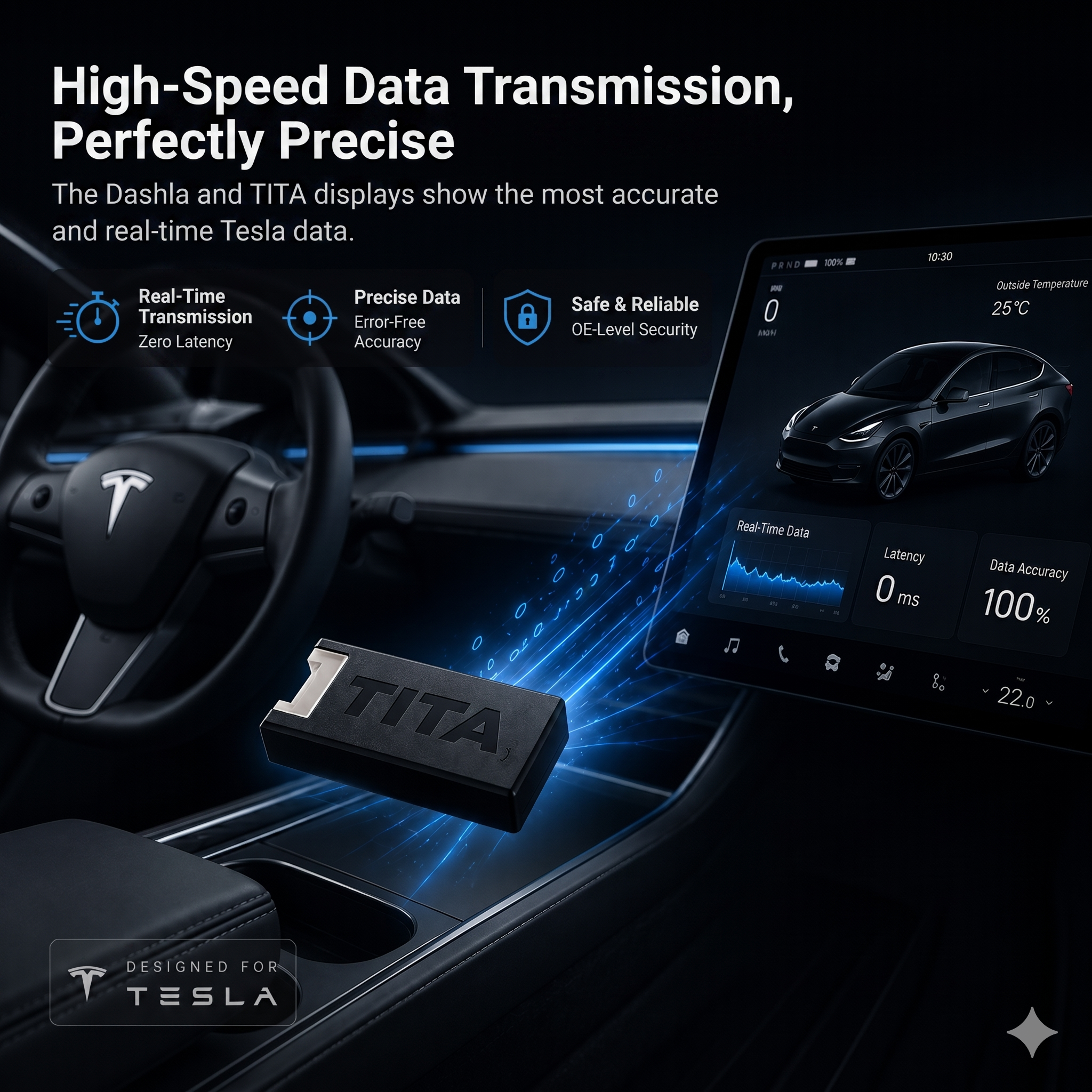
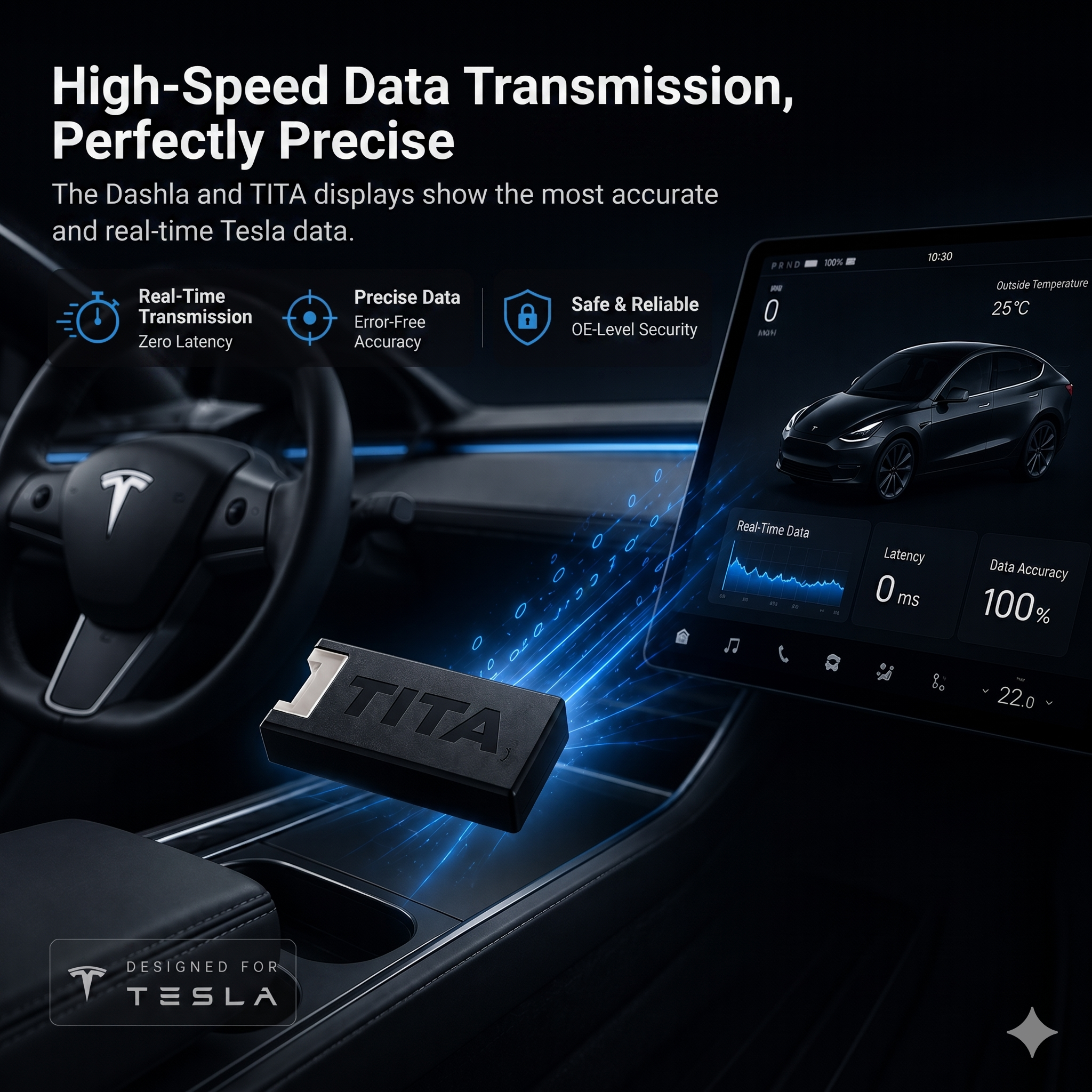
Engineered for reliable real-time data synchronization with stable wireless transmission and optimized signal performance, ensuring smooth and uninterrupted driving information delivery.
Built for the Tesla Driving Experience
Developed specifically for Tesla owners seeking enhanced vehicle awareness, smarter data visualization, and a more immersive driving interface beyond the standard factory display.
Unlock More Real-Time Tesla Data with TITA
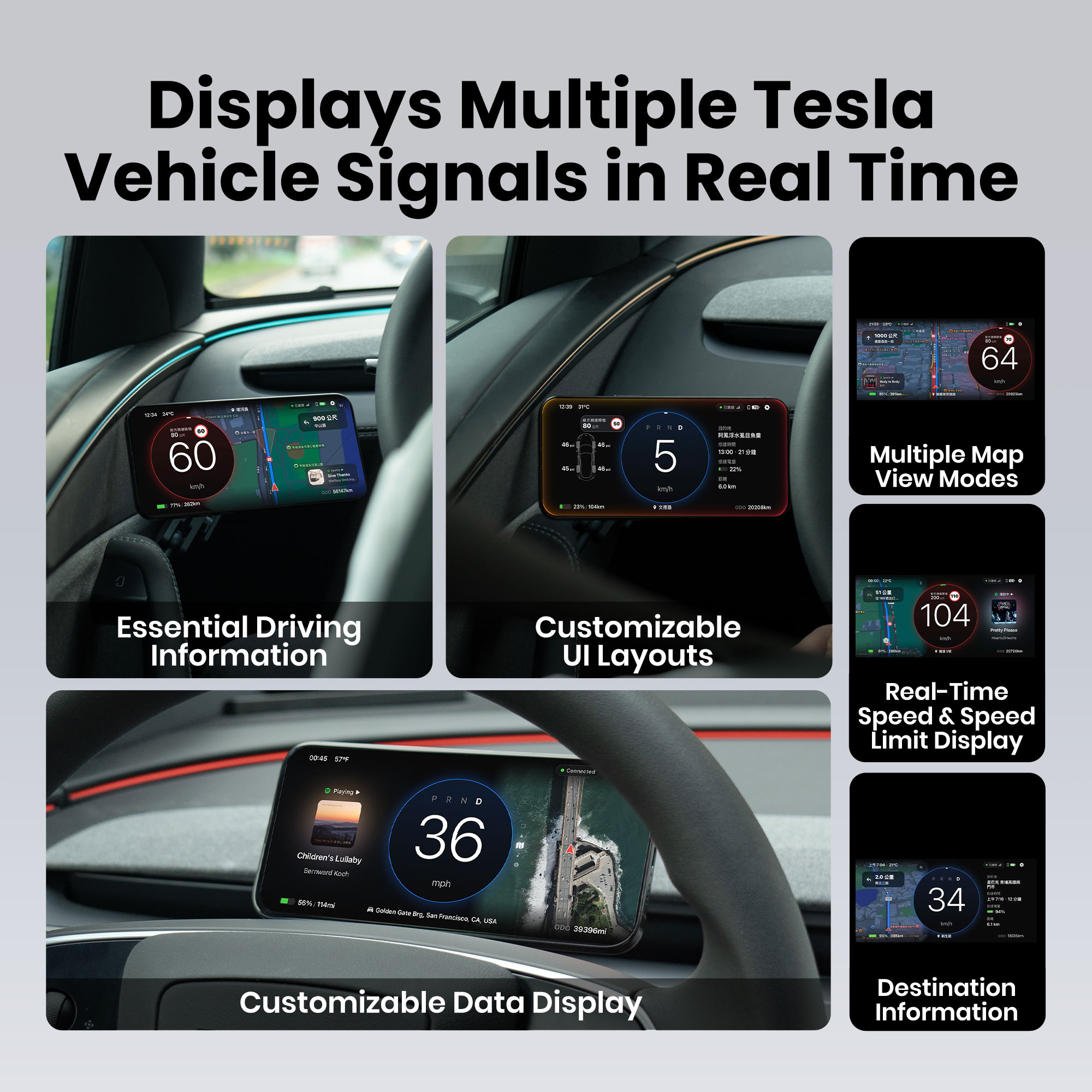
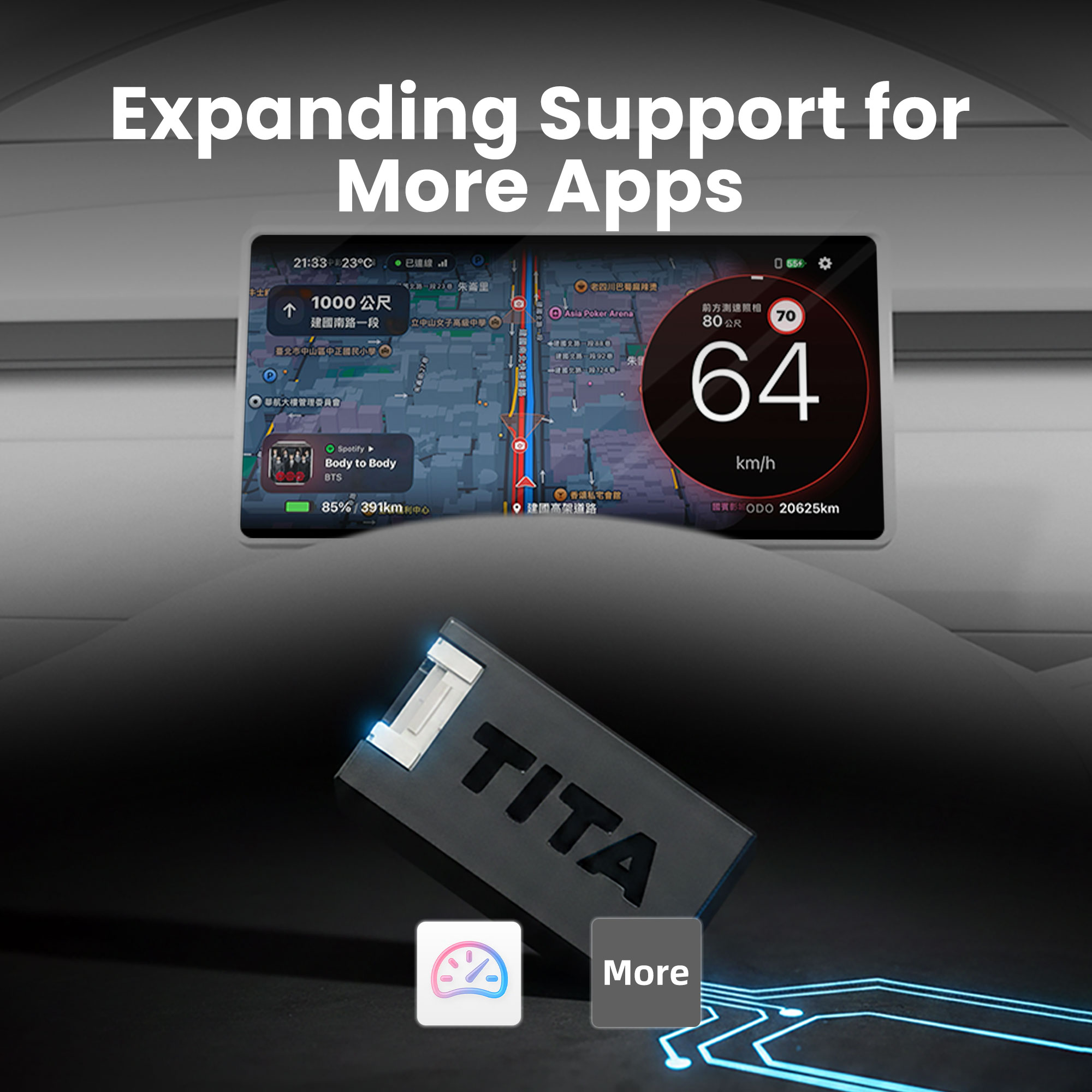
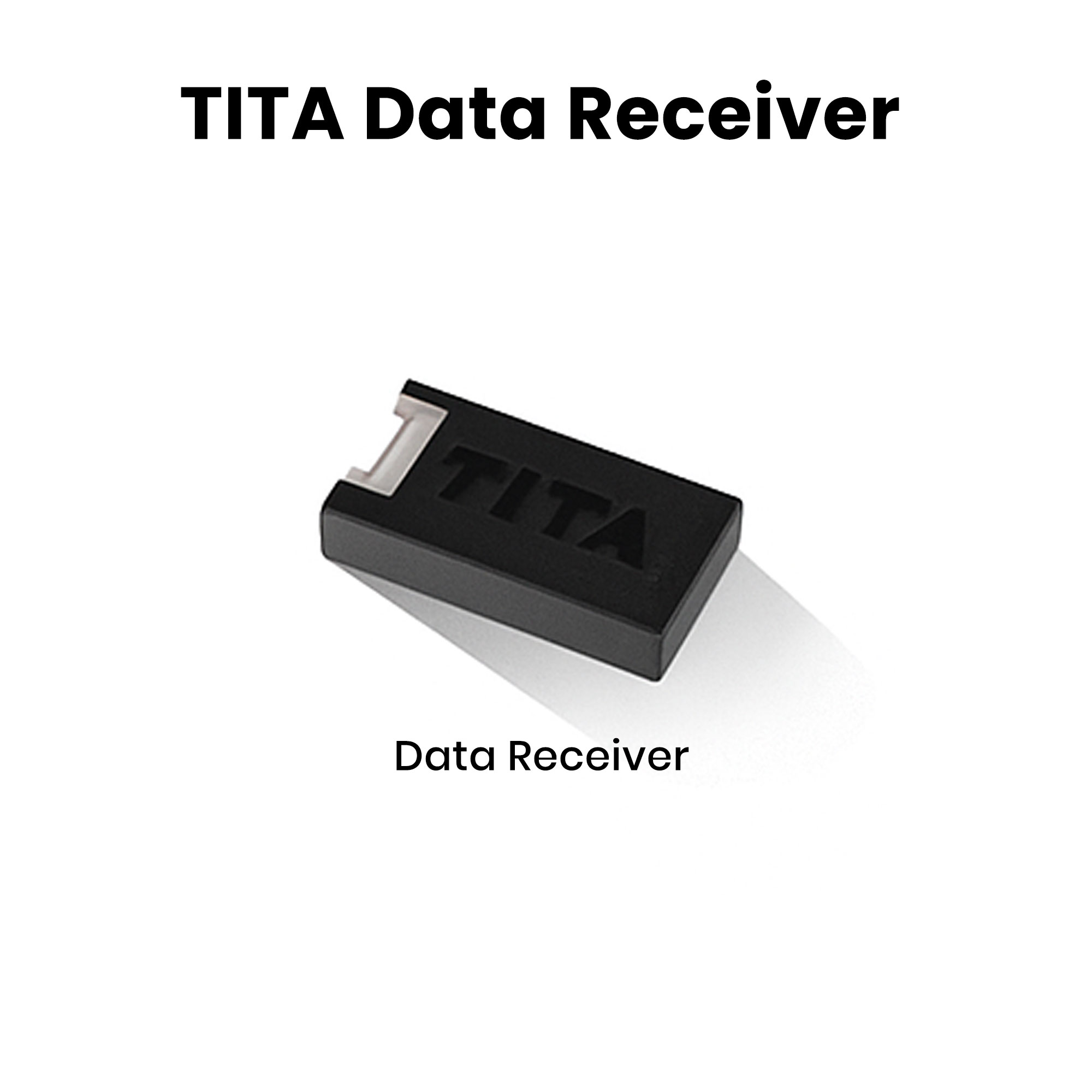
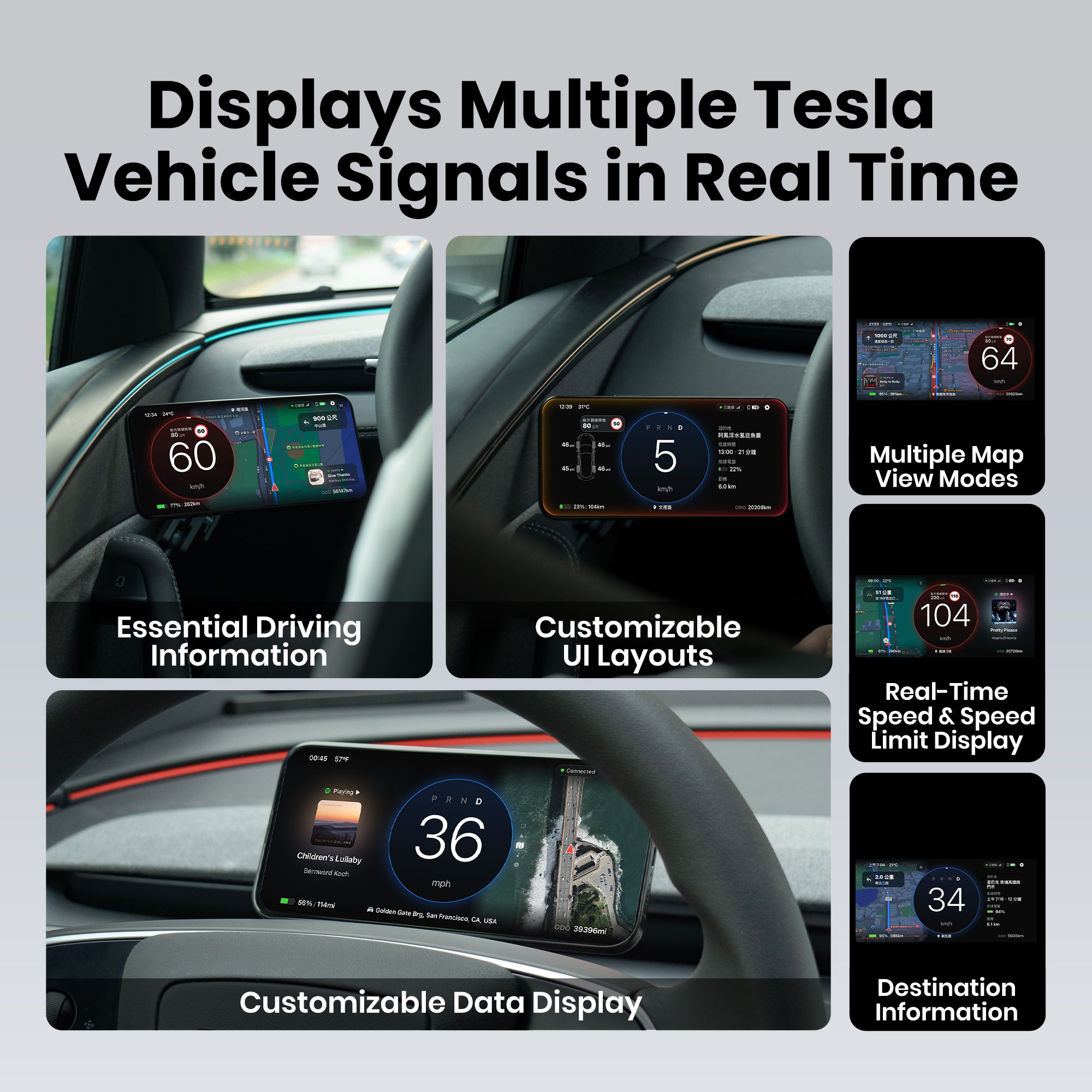
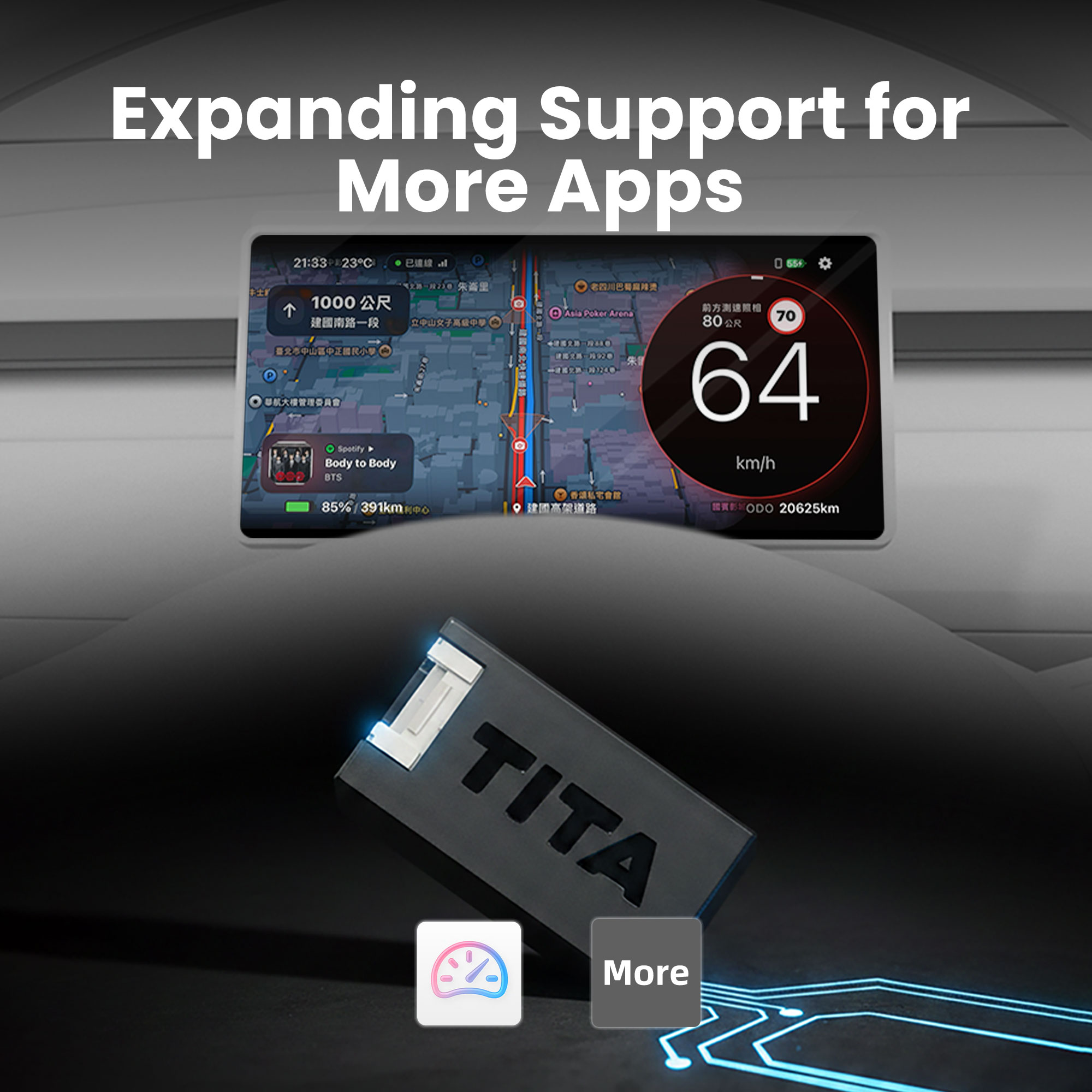
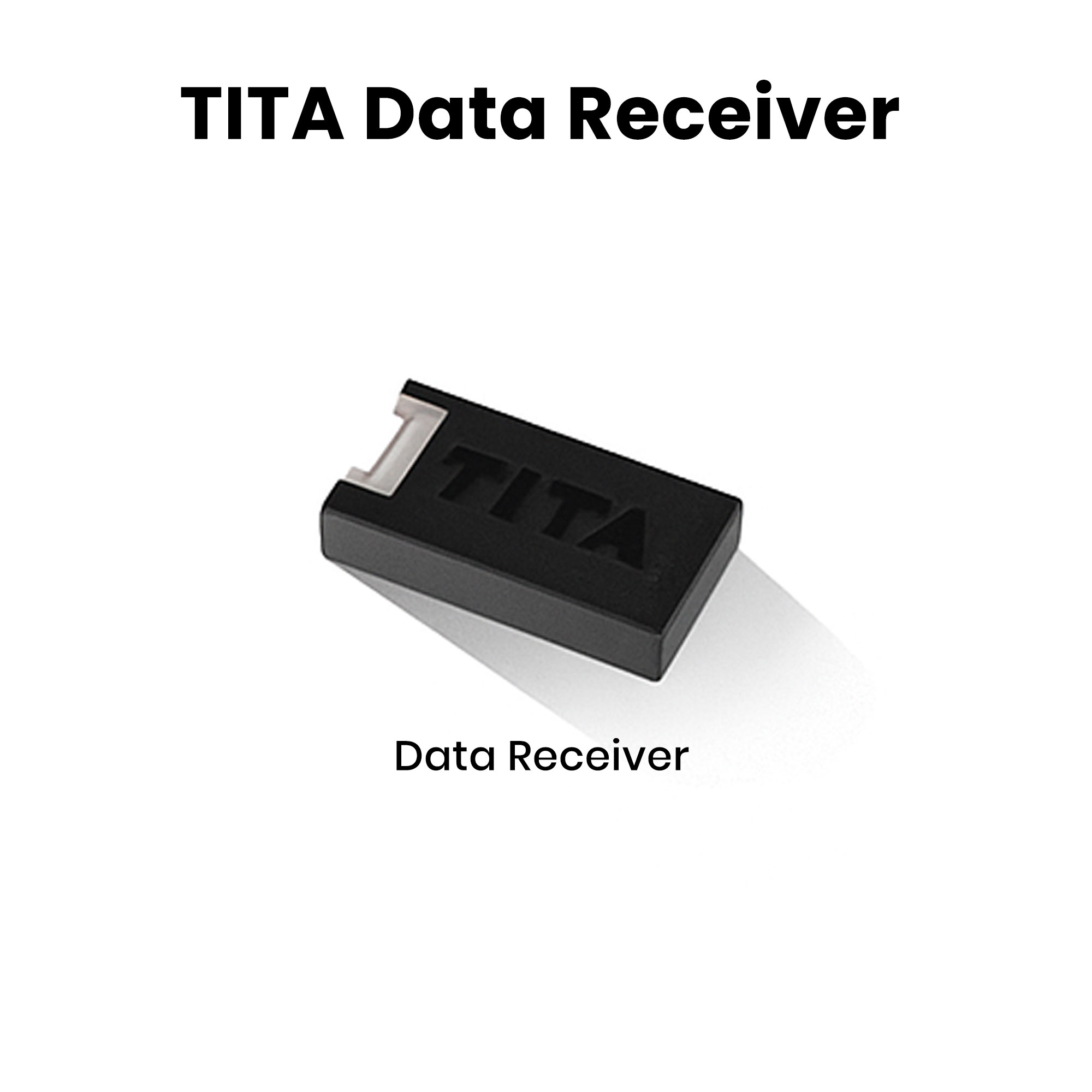
The TITA Data Transmitter is specifically designed for Tesla vehicles, delivering richer and more real-time vehicle data to the Dashla App. It helps drivers monitor vehicle status more intuitively while creating a smarter and more immersive driving information experience.
TITA Real-Time One-Way Data Transmitter
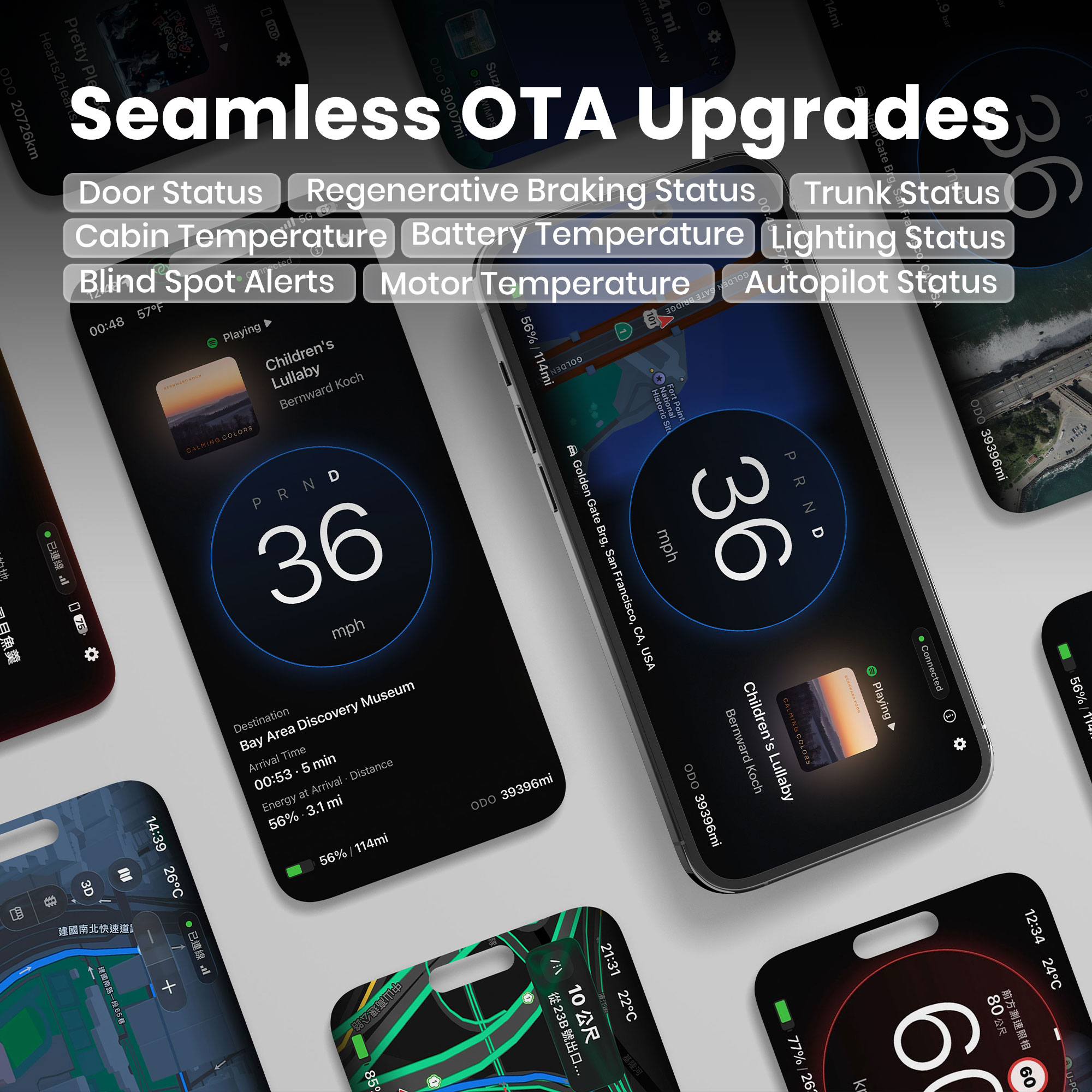
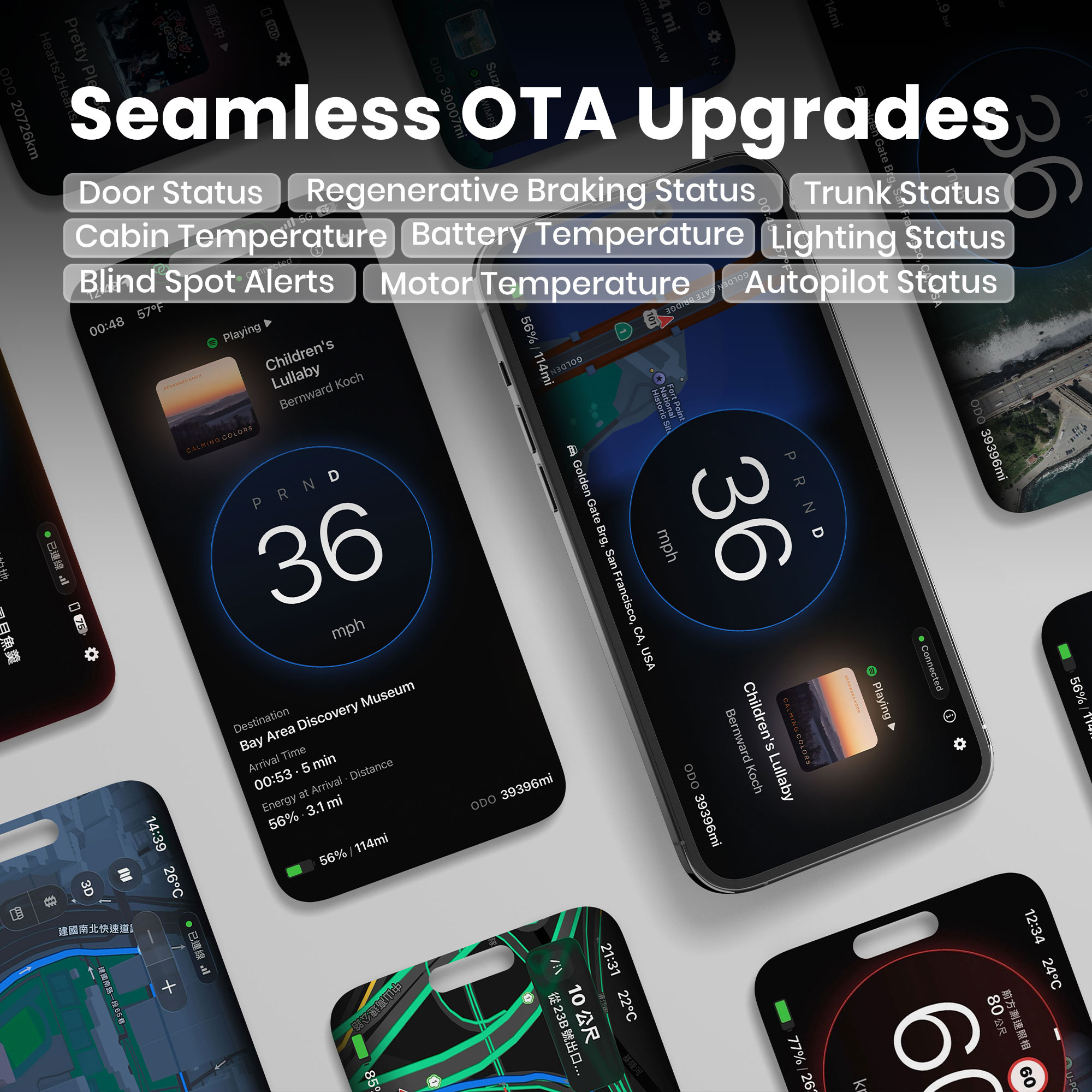
The TITA Data Transmitter provides key driving information such as speed, alerts, gear status, battery and range, charging status, vehicle and cabin status, Autopilot status, and navigation data (Displayed on TITA HUD Pro, with Dashla version continuously being updated.)
Data Transmitter Installation
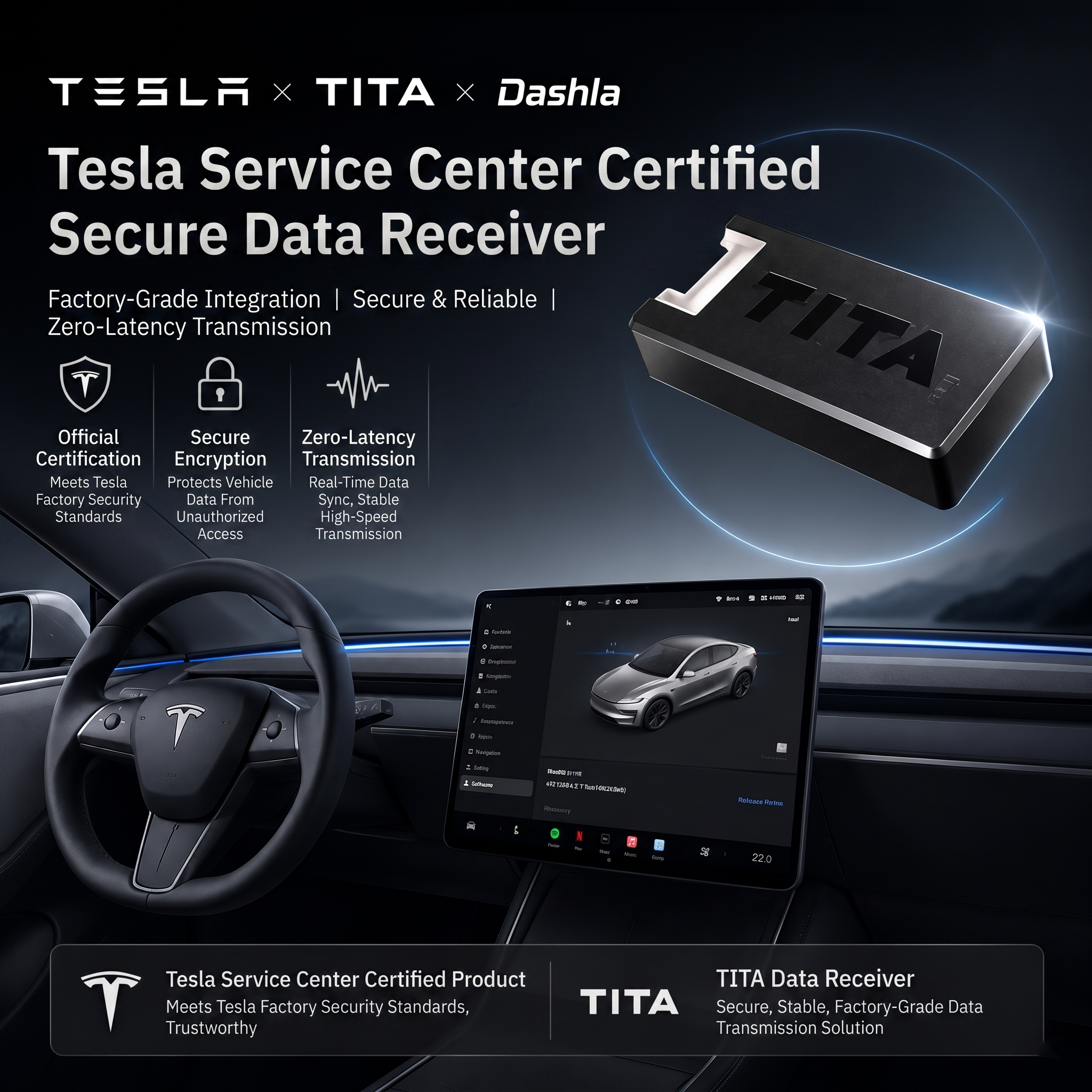
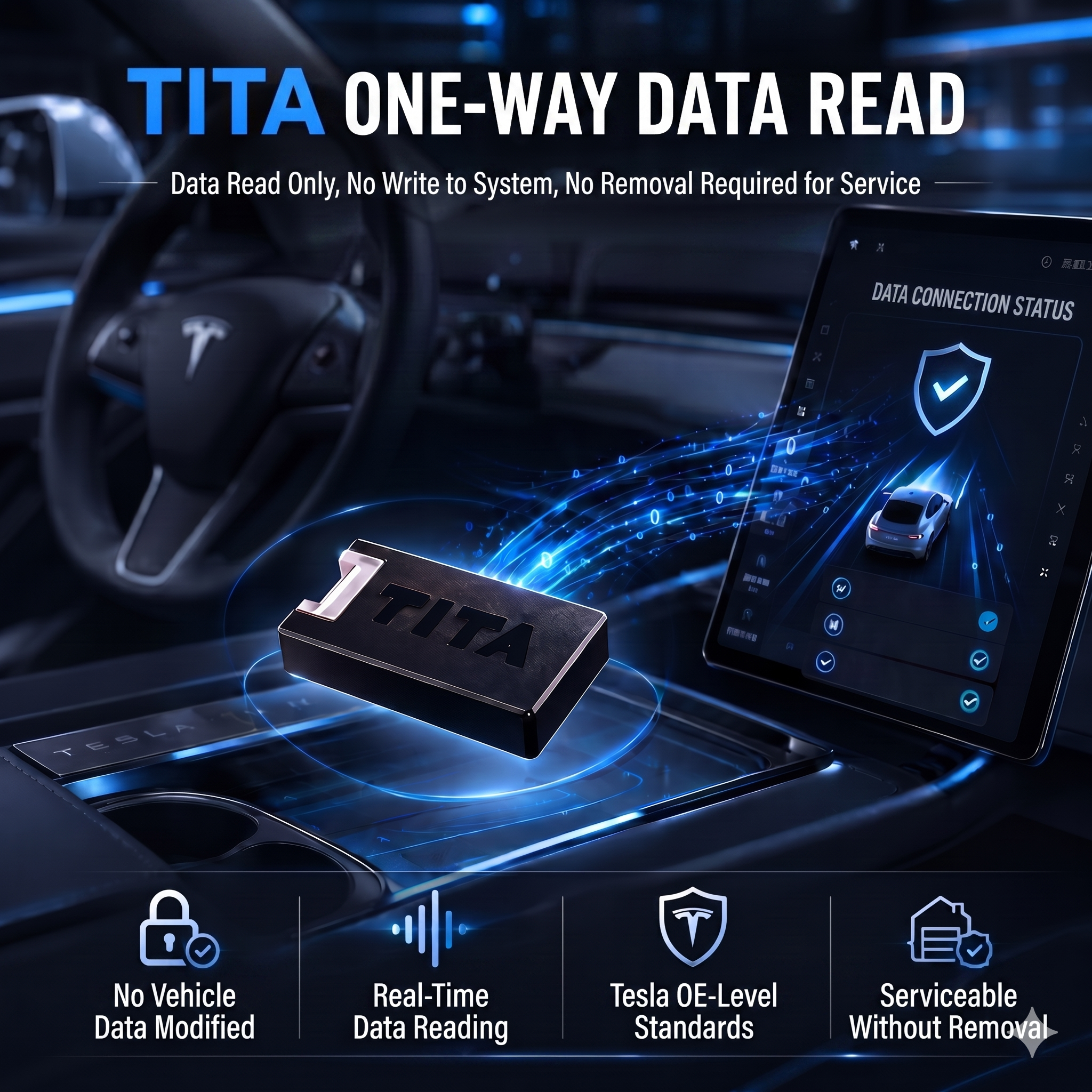
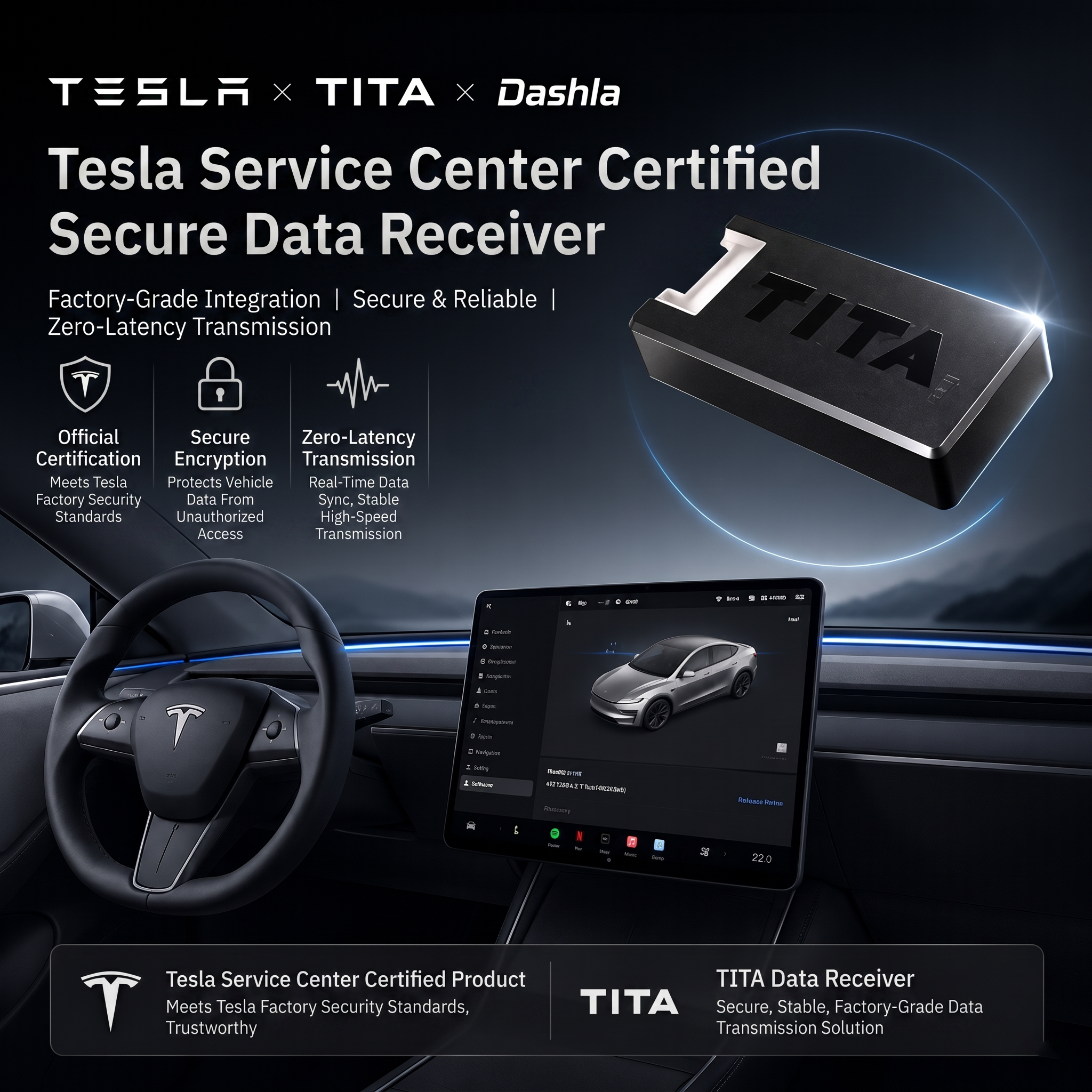
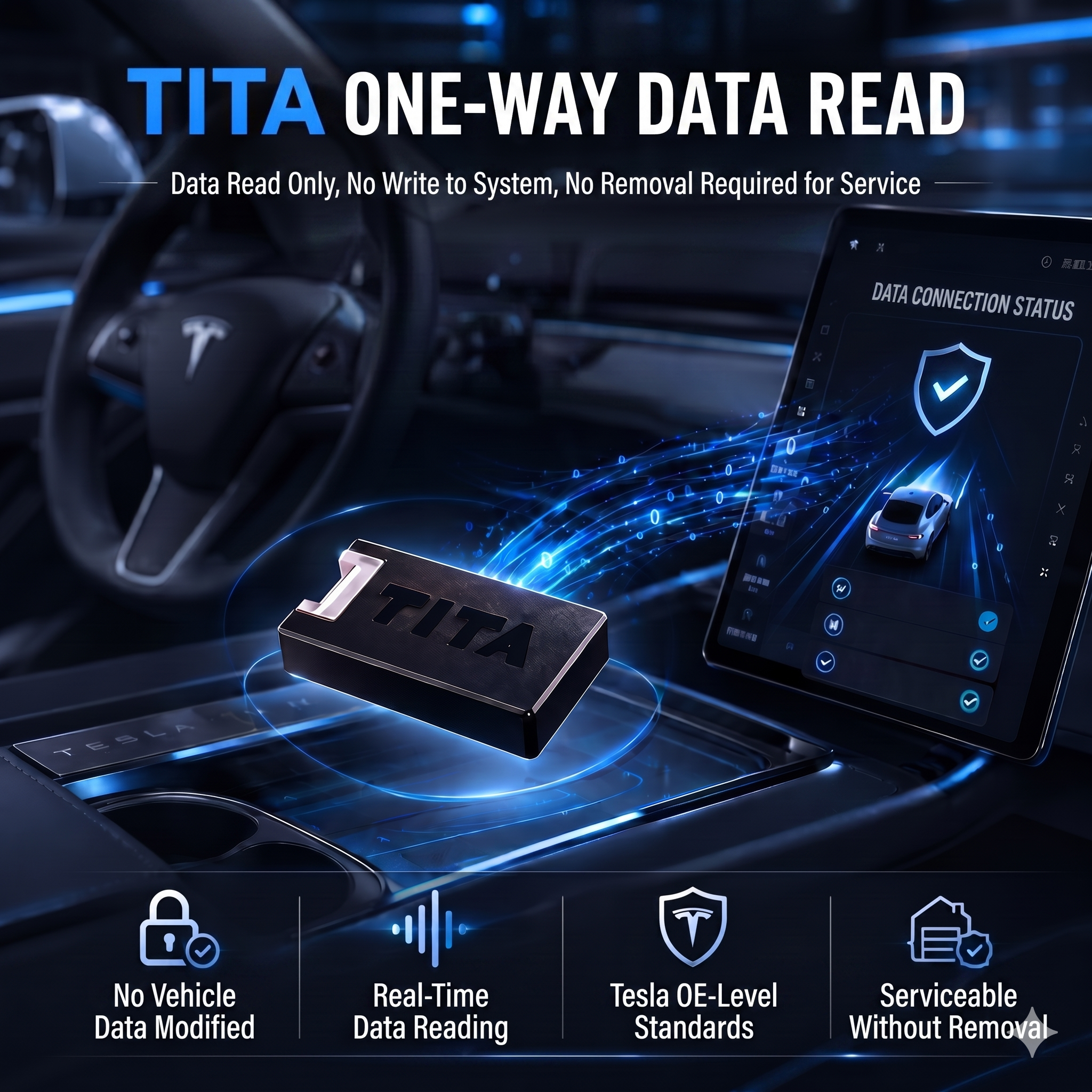
TITA’s data transmitter follows Tesla’s official protocol, delivers zero-delay, zero-error data, reads vehicle information only, and installs easily without damaging the car.
Detailed installation instructions are provided below; the process takes only 3–5 minutes, with extra steps included to ensure precise operation.
Data Transmitter Installation Steps
Step 1
Data Transmitter Kit Contents includes: Data Cable; Data Transmitter; Pry Tool.
Step 2
Gently pry open the passenger-side door seal. This will not damage the vehicle. Wearing gloves is recommended to prevent scratches.
Step 3
Model Y Juniper: Remove the entire cover counterclockwise using a trim tool. Other models: Remove only the rectangular A-pillar cover.
Step 4
Use a trim tool to remove the plastic fastener beneath the cover. During reinstallation, hold the fastener by hand to make refitting easier.
Step 5
Model Y Juniper: Use a trim tool to pry the plastic step panel from rear (seat side) to front. Other models: Pry off the A-pillar trim cover only.
Step 6
Locate the Tesla vehicle’s factory CAN bus interface and PING module. These interfaces are identical to TITA’s interfaces.
Step 7
Connect TITA’s CAN module to the vehicle. Separate the vehicle’s PING module and connect TITA’s PING module in parallel. Connect TITA’s transmitter to the TITA wiring harness.
Step 1
Data Transmitter Kit Contents includes: Data Cable; Data Transmitter; Pry Tool.
Step 2
Gently pry open the passenger-side door seal. This will not damage the vehicle. Wearing gloves is recommended to prevent scratches.
Step 3
Model Y Juniper: Remove the entire cover counterclockwise using a trim tool. Other models: Remove only the rectangular A-pillar cover.
Step 4
Use a trim tool to remove the plastic fastener beneath the cover. During reinstallation, hold the fastener by hand to make refitting easier.
Step 5
Model Y Juniper: Use a trim tool to pry the plastic step panel from rear (seat side) to front. Other models: Pry off the A-pillar trim cover only.
Step 6
Locate the Tesla vehicle’s factory CAN bus interface and PING module. These interfaces are identical to TITA’s interfaces.
Step 7
Connect TITA’s CAN module to the vehicle. Separate the vehicle’s PING module and connect TITA’s PING module in parallel. Connect TITA’s transmitter to the TITA wiring harness.